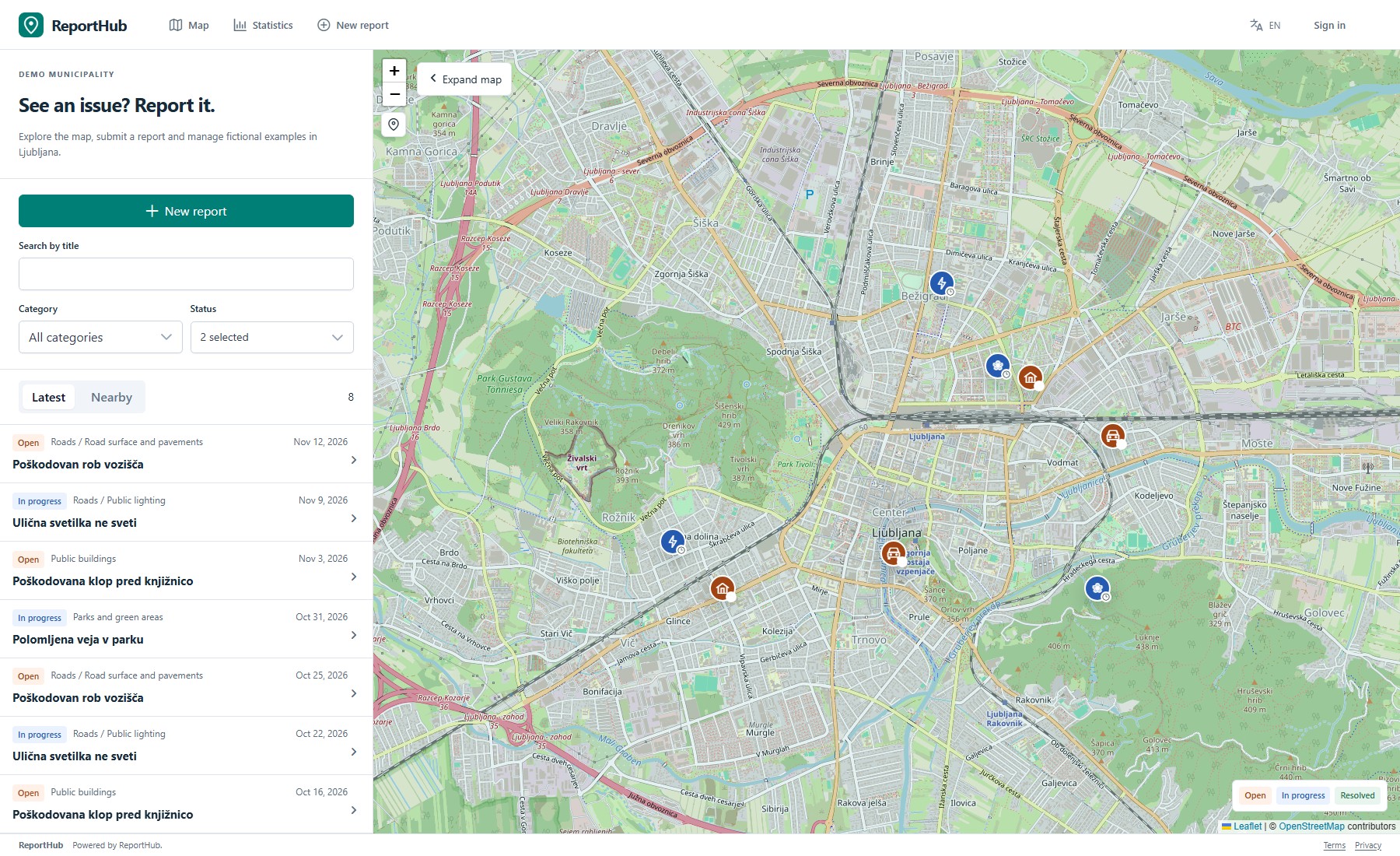
Discover before reporting
Browse the public map, filter by category or status, inspect nearby reports and view public statistics. Nearby reports help people notice an issue already reported.
 ReportHubA CELEON product
BUILT AROUND THE WORK
Two reporting workflows, with the tools to manage what happens after someone presses submit.
For public-facing reports and the teams responsible for handling them.
Browse the public map, filter by category or status, inspect nearby reports and view public statistics. Nearby reports help people notice an issue already reported.
Submit a map location, category, description and images. Configurable email confirmation and publication review control what becomes public.
Assign a handling organization and person. Use role-based workflow rules, internal notes, public updates and a recorded status history.
Enable report subscriptions and email confirmation flows. Configure internal bell and email rules separately from reporter and account messages.
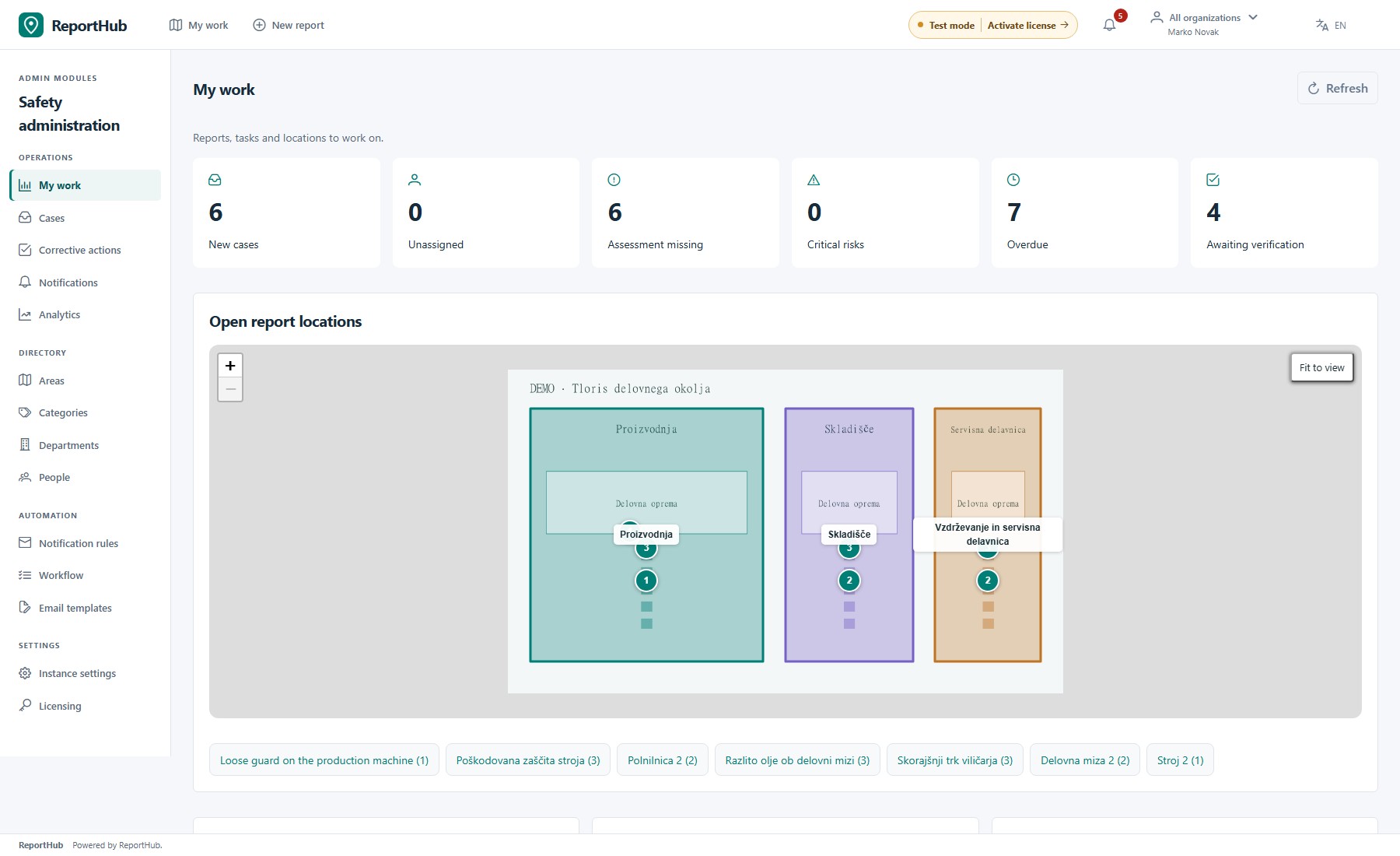
For internal hazard reporting, department ownership and corrective work.
Anonymous intake works with geographic areas or uploaded plans. Fixed microlocation QR links preset the reporting point and can be rotated or deactivated.
Record risk level, category, assignee and deadline. Department leads and the named Safety director coordinate ownership and corrective actions.
Each action records its executor, deadline and work note, with photos or an explicit photo exception. The Safety director verifies actions before closure; returns and reopening keep their reasons.
Department and role permissions scope cases, evidence, notifications, analytics and JSON/CSV exports. The public intake does not expose a directory of Safety cases.
Manage organizations or departments, users, invitations and categories. Configure branding and use the resumable setup flow.
Use your SMTP server, localized email templates and notification rules. Email needs a configured mail service; bell notifications have their own controls.
Use persistent local file storage or S3-compatible object storage. PostgreSQL/PostGIS stores application data. API contracts are described by OpenAPI.
English and Slovenian interfaces. A Docker deployment combines the Angular application and Express API, with Caddy and PostgreSQL/PostGIS alongside it.
Tell us who reports, who takes responsibility and where you want to run ReportHub. We’ll discuss the right module and deployment.