
Organizations and departments
Organizations in Community and Departments in VZD represent responsible teams. Creating, editing and deleting their directory records requires a superuser. VZD department administrators have a scoped department view and responsibility controls rather than installation-wide directory editing.
Create or update a team
Section titled “Create or update a team”- Open the appropriate directory and search before creating a duplicate.
- Select Create organization or Create department. Enter its name and unique slug; check an automatically suggested slug before saving.
- Add an optional contact email, telephone and internal notes as appropriate. These fields are not a substitute for staff membership or notification recipients.
- Set Active and save. Use Edit to update a team later.
- Add staff through People/Users and assign the necessary roles and memberships.
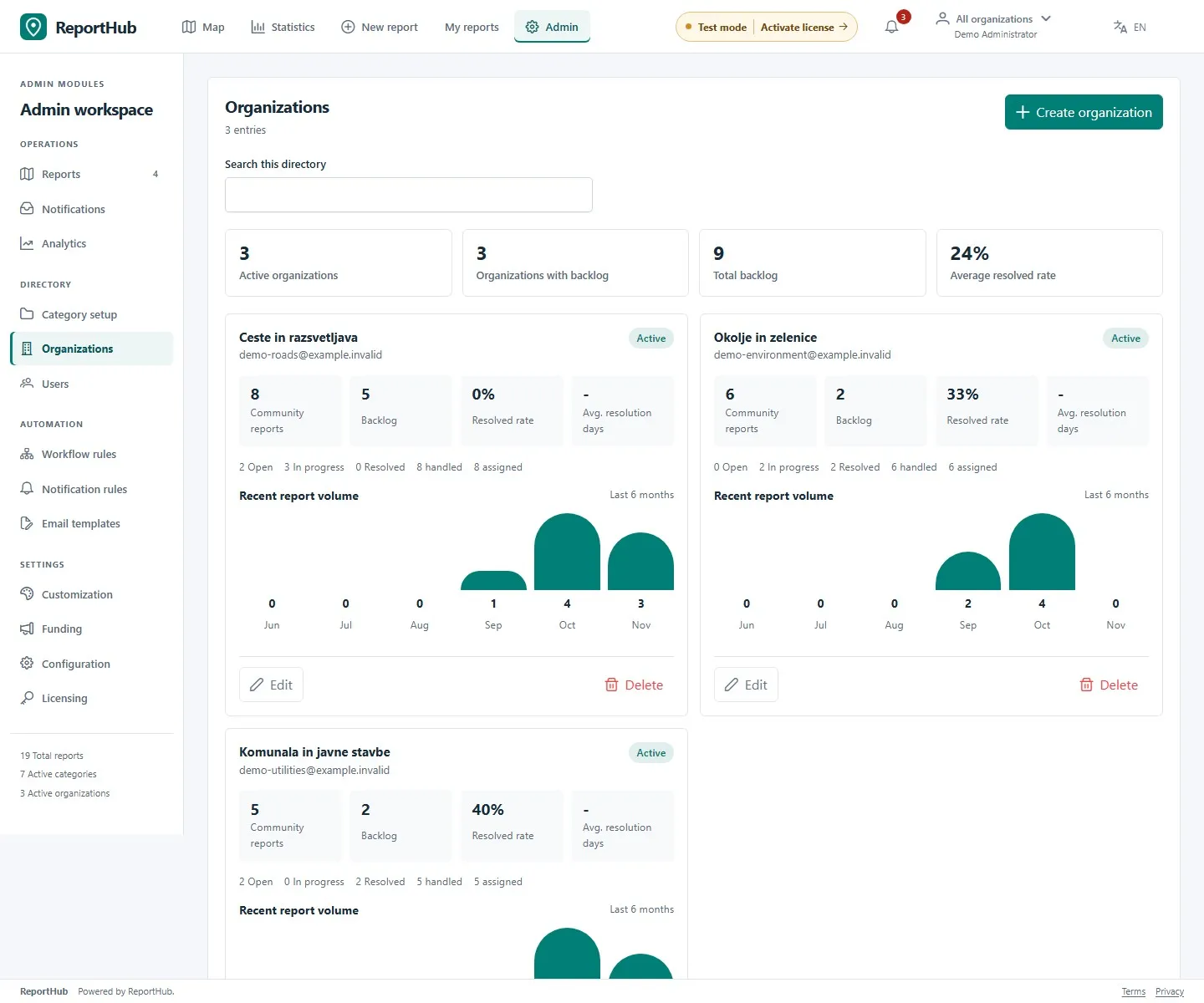
Demo interface
Community responsibility
Section titled “Community responsibility”Connect organizations to categories and subcategories. On a report, an authorized manager chooses which responsible organization handles it and optionally assigns a person within that organization. Creating a team alone does not route every report to it.
Internal email recipients are configured in Notification rules. Entering an organization’s email address does not by itself enable a notification rule or guarantee delivery.
VZD department leads
Section titled “VZD department leads”- Open the department’s editor or its Responsibility controls.
- Choose an active eligible Department lead and save. The lead must have the appropriate department-admin or superuser eligibility.
- If no named lead is selected, the Safety director takes over. Review this before removing a lead’s membership or deactivating an account.
- In Areas, assign the department that owns each reporting area and optionally a default area executor. Categories describe event topics and do not override area responsibility.
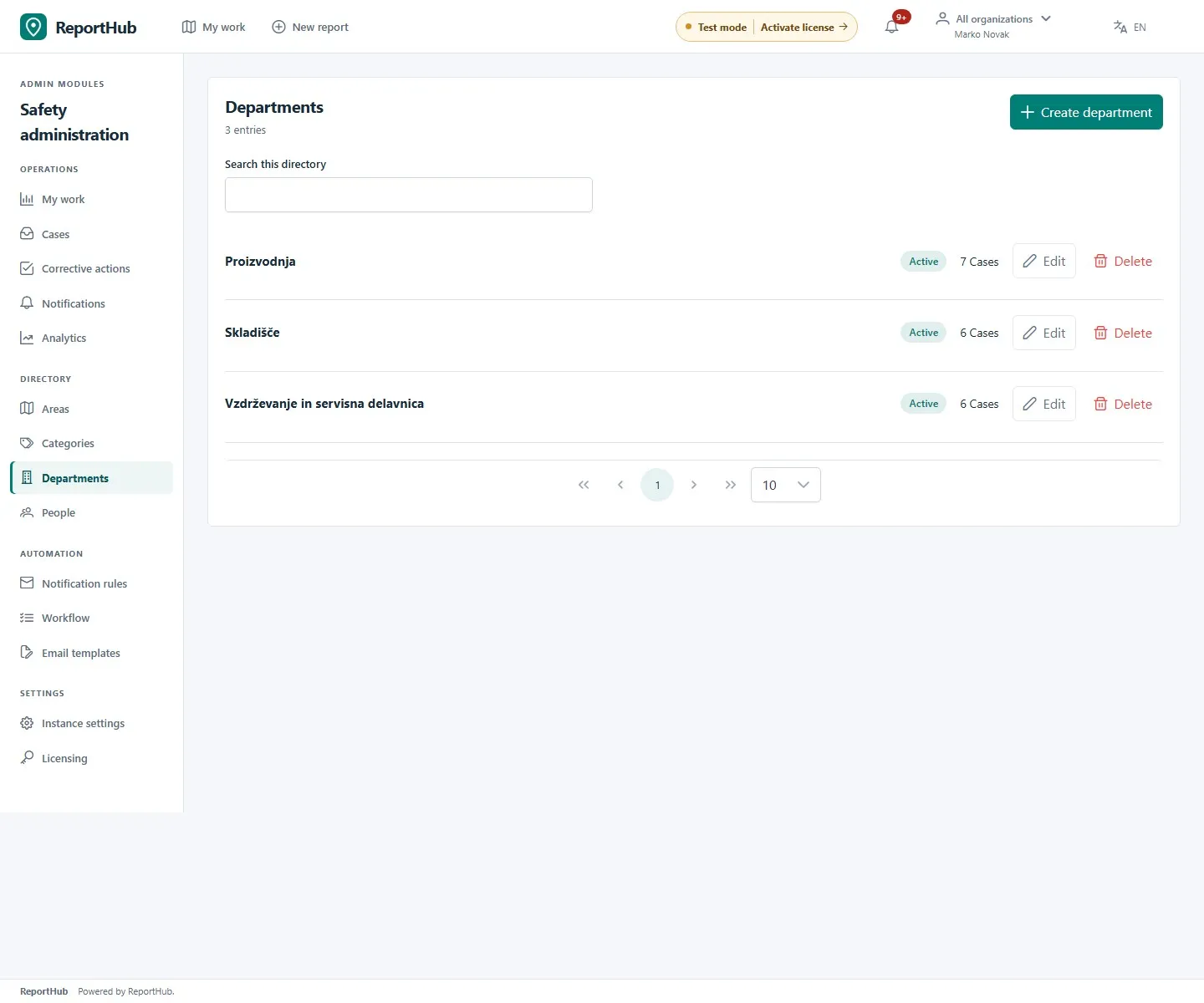
Demo interface
The initial assignment chain is eligible area executor → named department lead → Safety director. Case transfers are a separate superuser operation with a reason; changing a directory label does not transfer existing cases.
Retire a team carefully
Section titled “Retire a team carefully”Review its active people, areas, categories, cases and notification rules before deactivation or deletion. Referenced VZD departments cannot be deleted. Prefer deactivation and planned reassignment when historical records must remain. Check remaining assignees and reporting paths after the change; deactivation does not mean unfinished work has been completed.